Category Management
Categories help you organize income and expenses for easy analysis.
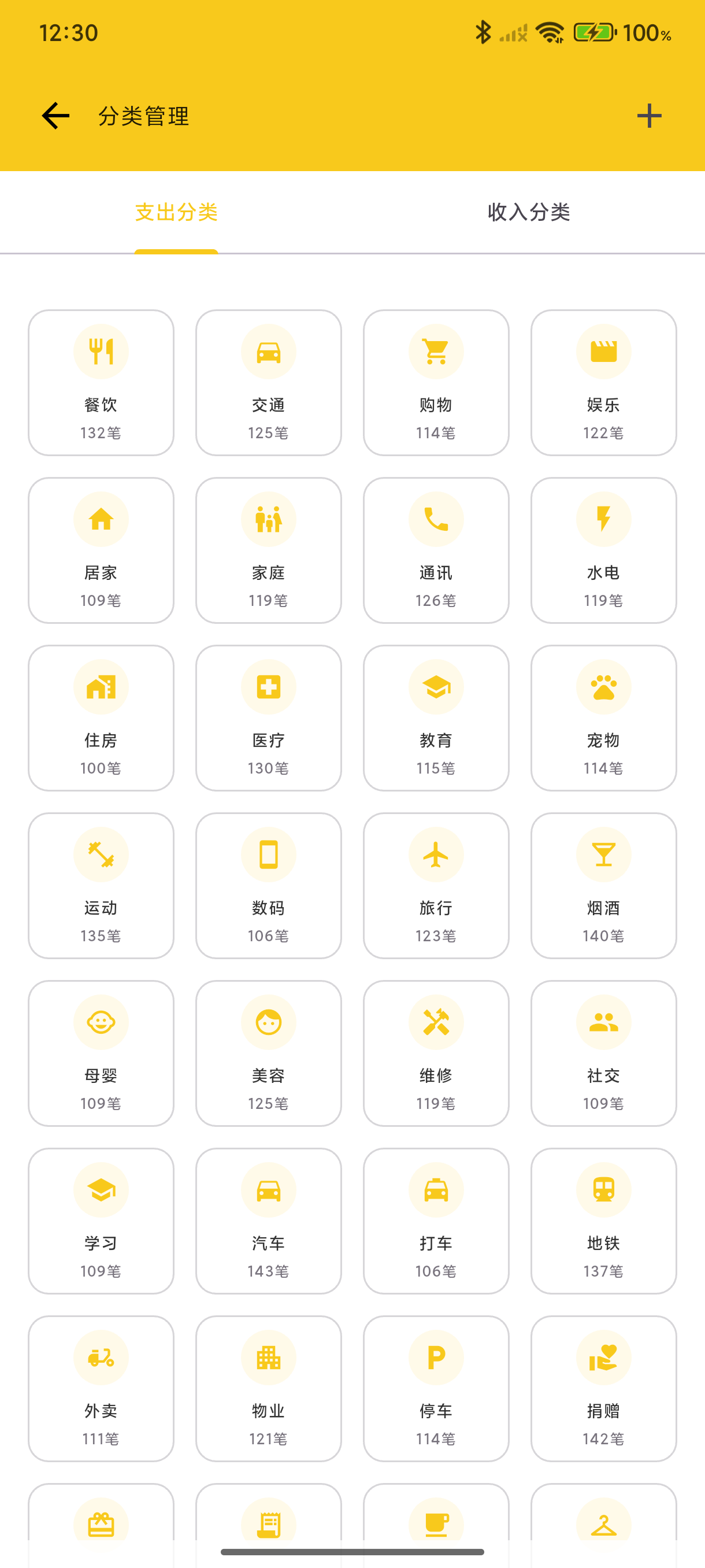
Preset Categories
The app includes commonly used categories:
Expenses: Food, Transportation, Shopping, Entertainment, Housing, Communication, Medical, Education...
Income: Salary, Bonus, Investment Returns, Side Income, Red Packets...
Add a Category
- Go to "Me" → "Data Management" → "Category Management"
- Tap "+" in the top right
- Select an icon
- Enter category name
- Save
Edit a Category
Tap a category to open the edit page where you can modify:
- Category name
- Icon (supports built-in icons and custom images)
Custom Category Icons
In addition to the built-in icon library, you can set custom images for categories:
- Enter category edit page
- Tap the icon selection area
- Select "Custom Icon"
- Choose an image from your photo library
- Adjust the crop area for the best display
Icon Cropping
After selecting a custom image, you can freely adjust the crop area:
- Drag - Move the crop frame position
- Zoom - Adjust the crop frame size
- Preview - Real-time preview of the final result
The cropping feature ensures you can precisely select the best part of the image as the icon.
Custom Icon Features
- Smart Cropping - Freely adjust crop area to precisely select the best display region
- Transparent Background - Full support for PNG images with transparent backgrounds
- Cloud Sync - If cloud sync is enabled, custom icons sync automatically
- Package Export - Custom icons are automatically included when exporting categories
Usage Recommendations
Custom icons are suitable for:
- Merchant brand logos (e.g., Starbucks, McDonald's)
- Special categories (e.g., pets, hobbies)
- More intuitive visual recognition
- Personalized accounting experience
Category Import/Export
Share your category configuration as a package, or import from a category package:
Export Categories
- Go to Category Management page
- Tap the share button in the top right
- Choose export scope (current type or all)
- Generate ZIP category package
The exported category package (.zip) contains:
- Category configuration (names, hierarchy, icon types, etc.)
- All custom icon image files
Import Categories
- Go to Category Management page
- Tap the top right menu → "Import Categories"
- Select a category package file (.zip)
- Choose import mode:
- Merge - Keep existing categories, add new ones
- Overwrite - Clear unused categories before importing
After import, you'll see: imported count, skipped count, and icon count.
Category Package Uses
- Device Migration - Quickly restore category configuration on a new device
- Share Configuration - Share your carefully crafted categories with others
- Backup & Restore - Independent backup of category configuration
Sort Categories
Long-press and drag categories to reorder them. Place frequently used categories at the top for faster recording.
Delete a Category
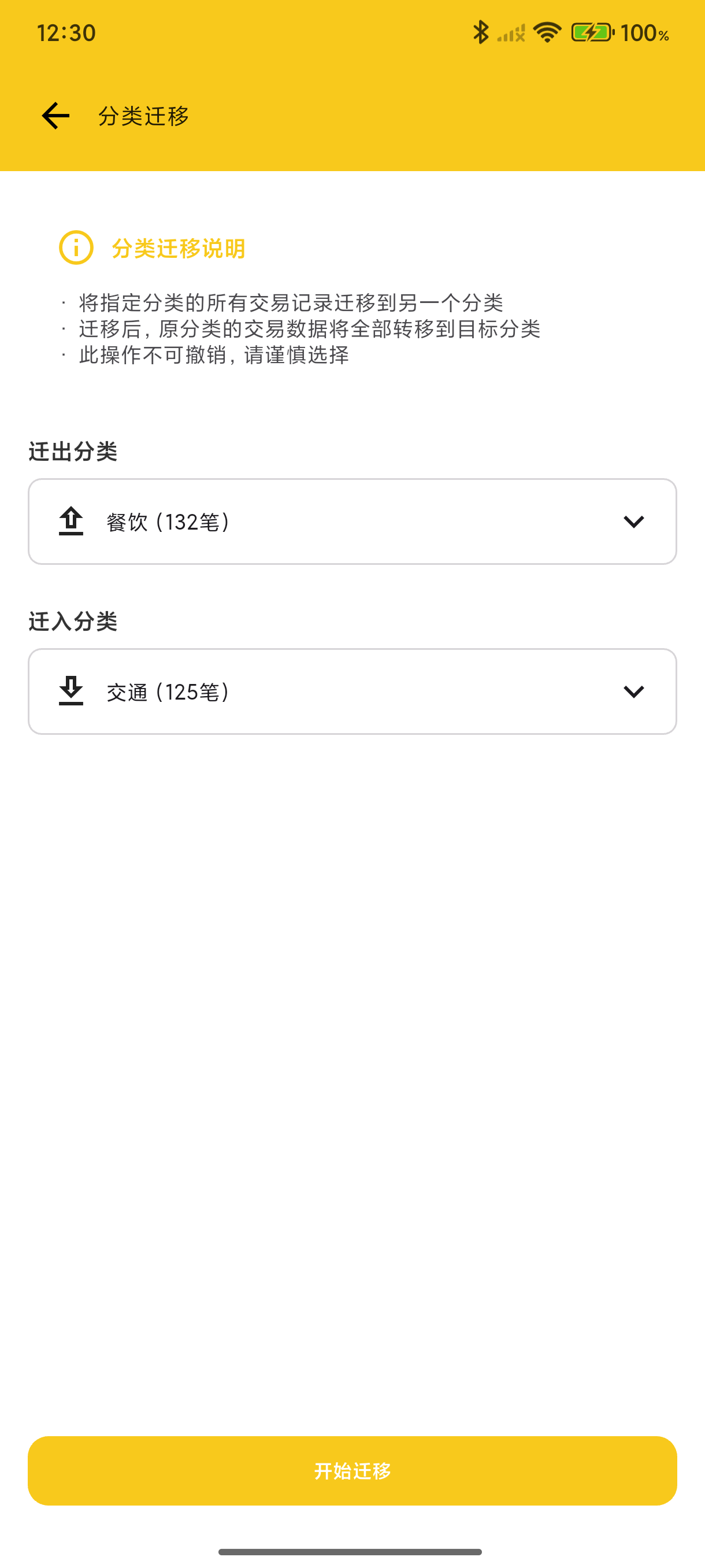
When deleting a category, you can choose to migrate its transactions to another category.
Web Category Management
Sign in to BeeCount Cloud on the web → top nav Categories:
- Create / edit / delete — same as mobile, changes propagate to mobile via cloud within seconds
- Subcategories — the desktop table view makes level-1/level-2 hierarchies easy to manage in bulk
- Click a category card — opens a dialog showing all transactions in that category (infinite scroll, color-coded tag chips)
- Auto-created on import — when importing ledger data, missing categories are bulk-created with the same logic as mobile import
Custom category icons are still managed on mobile; the web reads them by iconCloudFileId from the server for display.